Now available on the App Store

ImageGet
See it. Save it.

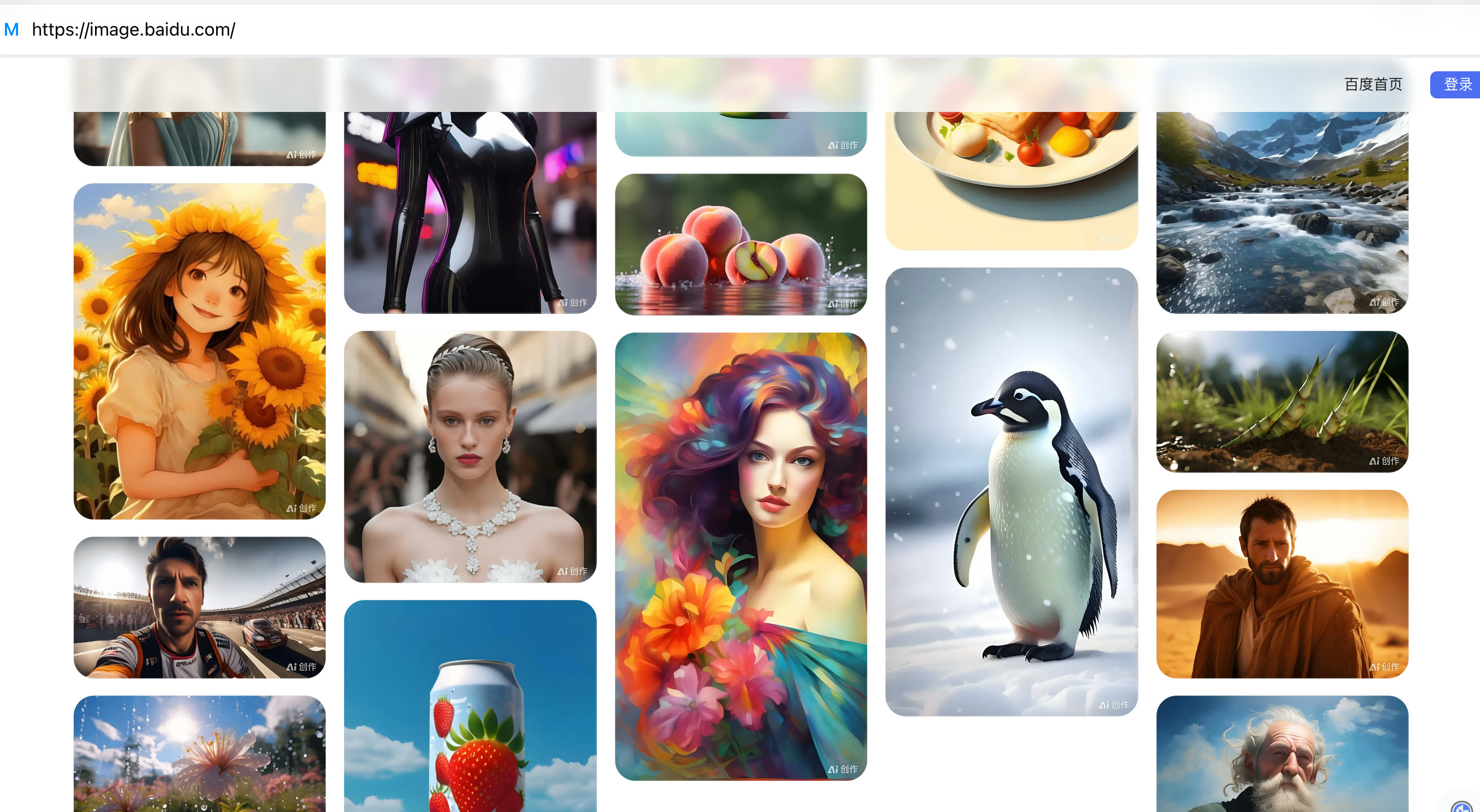
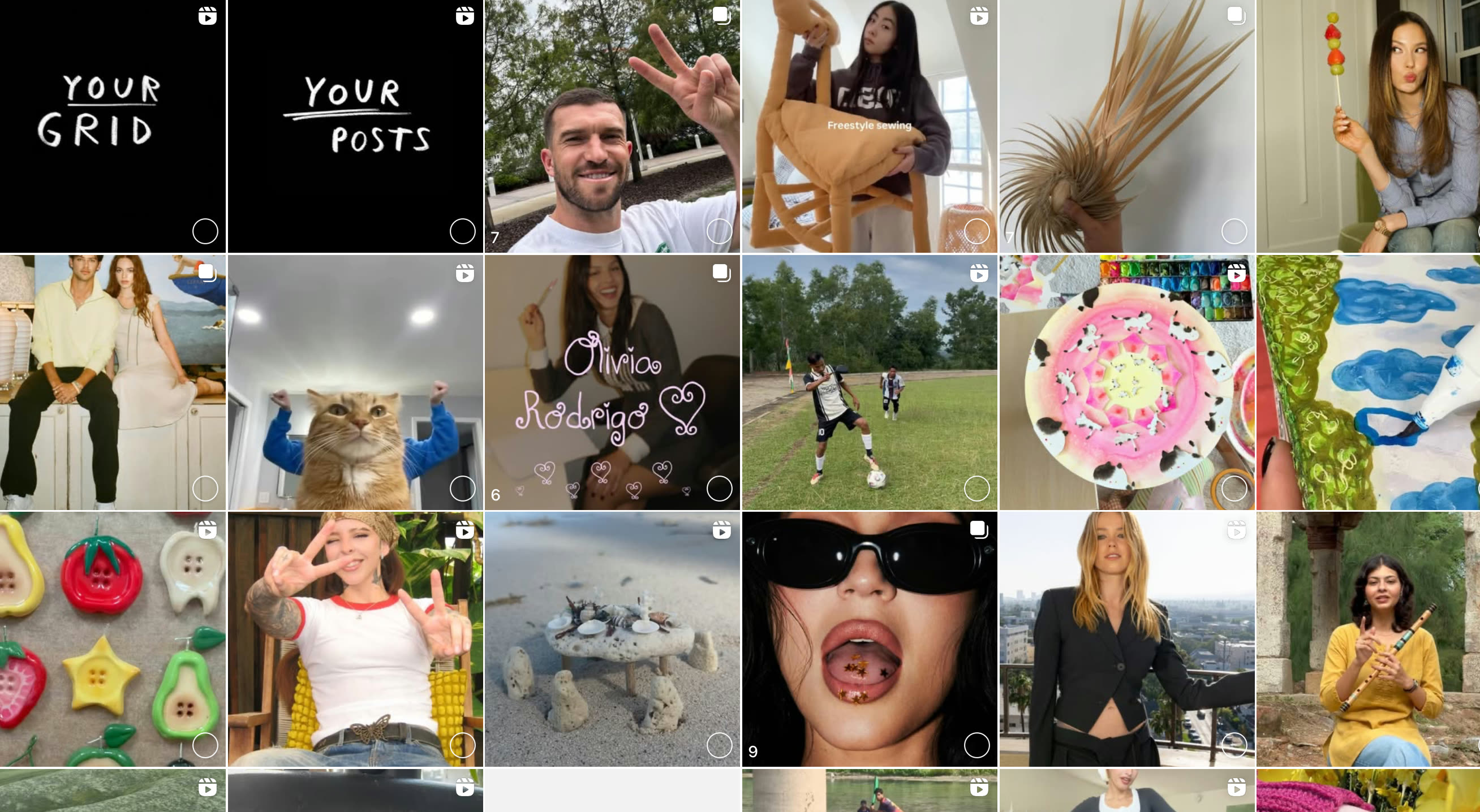
Discover the fastest way to collect and save photos from the web. Just enter a URL, and ImageGet gathers every image on that page in a single tap.

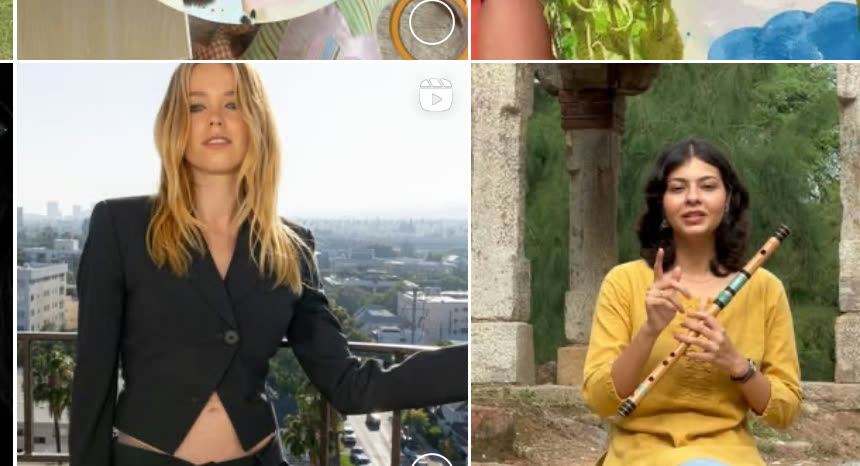
Works with Instagram Social networks Image libraries Comic sites
Free to download  ·  5 free downloads  ·  iPhone & iPad
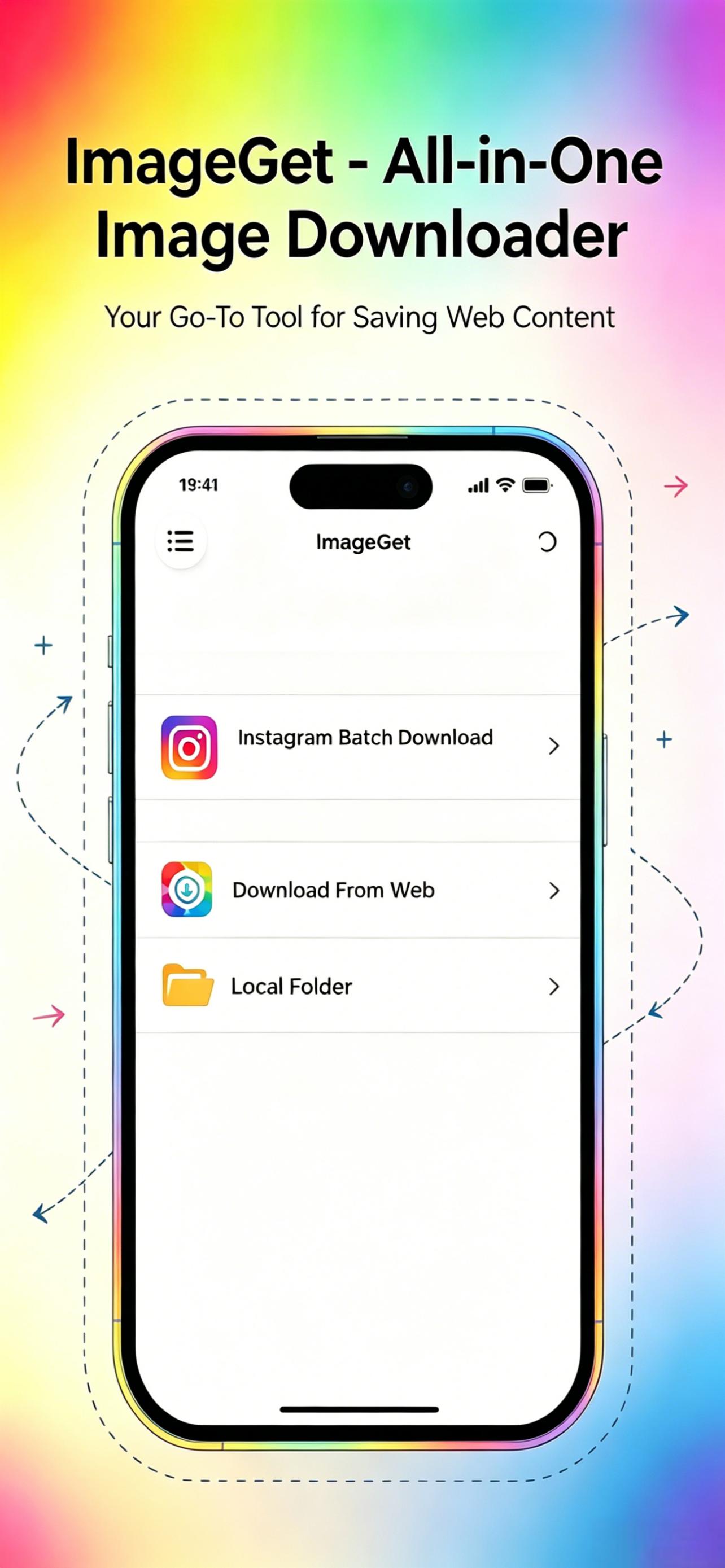
ImageGet app screenshot
Batch saving…122 of 122 complete
Filtered2 tiny icons skipped
1-tap
to save an entire page
100%
lazy-loaded images captured
pages queued in background
Features

Everything you need to save
the images you love

No more press-and-hold or screenshots. ImageGet handles the busywork so you can collect faster.

photography-blog.com/gallery
One-Tap Batch Download

Paste a link, download everything at once

No more press-and-hold or screenshots. Paste any link, hit go, and every image is ready to review and keep — browse one page, download everything in a single tap.

news-site.com/photo-story
Smart Filtering

Keep the big pictures, skip the clutter

Filter by image size to keep only the larger shots — automatically skip those tiny icons, avatars, and thumbnails.

Full-screen preview
Full-Screen Preview

Review every image up close

Pinch to zoom, swipe to browse, and decide what to keep — all in a clean, immersive viewer.

your favorite sites
Works With Your Favorite Sites

Save from anywhere you browse

Instagram and other social sites, image libraries, comic sites — ImageGet captures images as they load, including lazy-loaded moments. If you can browse it, you can save it.

iPad Ready

Right at home on iPad — landscape or portrait, full multitasking. The interface adapts beautifully to your screen.

Background Operation

Queue up multiple pages and let ImageGet work while you keep browsing. Your images are ready when you are.

Your Library, Your Way

Save straight to your photo library and bulk-export so everything lands exactly where you want it.

Built-In Browser

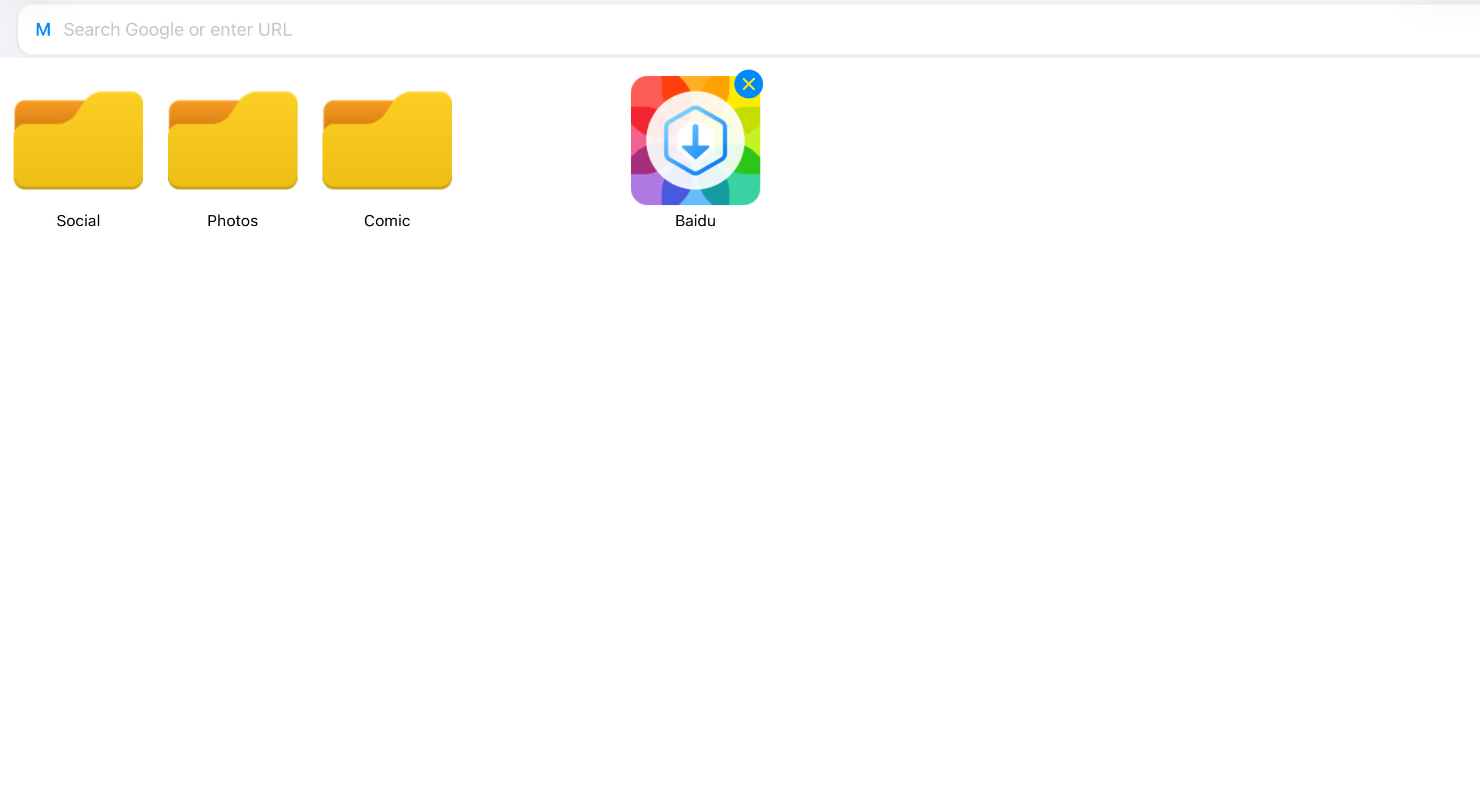
Browse directly inside ImageGet with the embedded browser. Bookmarks keep your favorite sites a tap away.

How it works

Three steps to your library

1

Paste a link

Copy any URL — a forum thread, a news gallery, an inspiration board — and drop it into ImageGet.

2

Review & filter

See every image the page contains. Use the size filter to drop the small stuff and keep only what matters.

3

Save everything

One tap sends the whole batch to your photo library — or queue more pages and keep browsing.

Premium

Unlock every feature,
ad-free

Premium unlocks all features and provides an ad-free experience. The longer you choose, the more you save.

Monthly
$4.99 / month
$0.17 / day
 
  • Unlimited image saving
  • Ad-free experience
  • Unlock all features
Best value
Annual
$39.99 / year
$0.11 / day
Save 33% vs monthly
  • Unlimited image saving
  • Ad-free experience
  • Unlock all features
Quarterly
$12.99 / quarter
$0.14 / day
Save 13% vs monthly
  • Unlimited image saving
  • Ad-free experience
  • Unlock all features

ImageGet is free to download and includes 5 free downloads. Upgrade to Premium for unlimited saving, an ad-free experience, and all features unlocked.

Get started

See it. Save it. Simple.

Download ImageGet today and start building your collection in a single tap.

Download on theApp Store
FAQ

Subscription & billing

What does Premium unlock?
Premium unlocks all features, removes ads, and lifts the download limit so you can save an unlimited number of images — including the full set of filtering, preview, and background-saving tools.
What subscription options are available?
Monthly, quarterly, and annual subscriptions are available. The longer you choose, the more you save.
How does auto-renewal work?
Your subscription will automatically renew at the end of each period unless canceled at least 24 hours before the current period expires.
How do I manage or cancel my subscription?
Go to Settings → Your Name → Subscription → Cancel Subscription on your device to manage or cancel your subscription at any time.